What do Nano Banana 2.1’s text and layout improvements mean for poster work?
Type and layout · NANO BANANA 2.1
The part of an AI poster that most often makes people hesitate is not the picture. It is the type. The product and the light look good, but the title is missing a letter. The composition looks complete, then the explanatory text crowds into the subject. Nano Banana 2.1 lists text rendering and infographic layout among its improvements, which makes it more worth discussing inside a design workflow. Better type does not mean every layout task can be finished in one pass.
The Google model documentation emphasizes this version’s gains in how text is shown and how accurate the layout is. For a short title, a simple label, or a small amount of explanatory information, that is a meaningful direction. A real poster still involves reading order, type size, hierarchy, line spacing, alignment, white space, and readability on different devices. The model can take part in those arrangements. The creator still has to give clear design constraints.

Decide what the reader should see first
A product poster can have only one short title and one product. Saying which side the subject occupies, which area holds the title, and how simple the background should stay is more likely to produce a clear layout than asking for a dozen decorative elements at once. The words themselves should also be written out. Do not only say “add some premium copy” and then expect the model to make every content and layout decision for you.
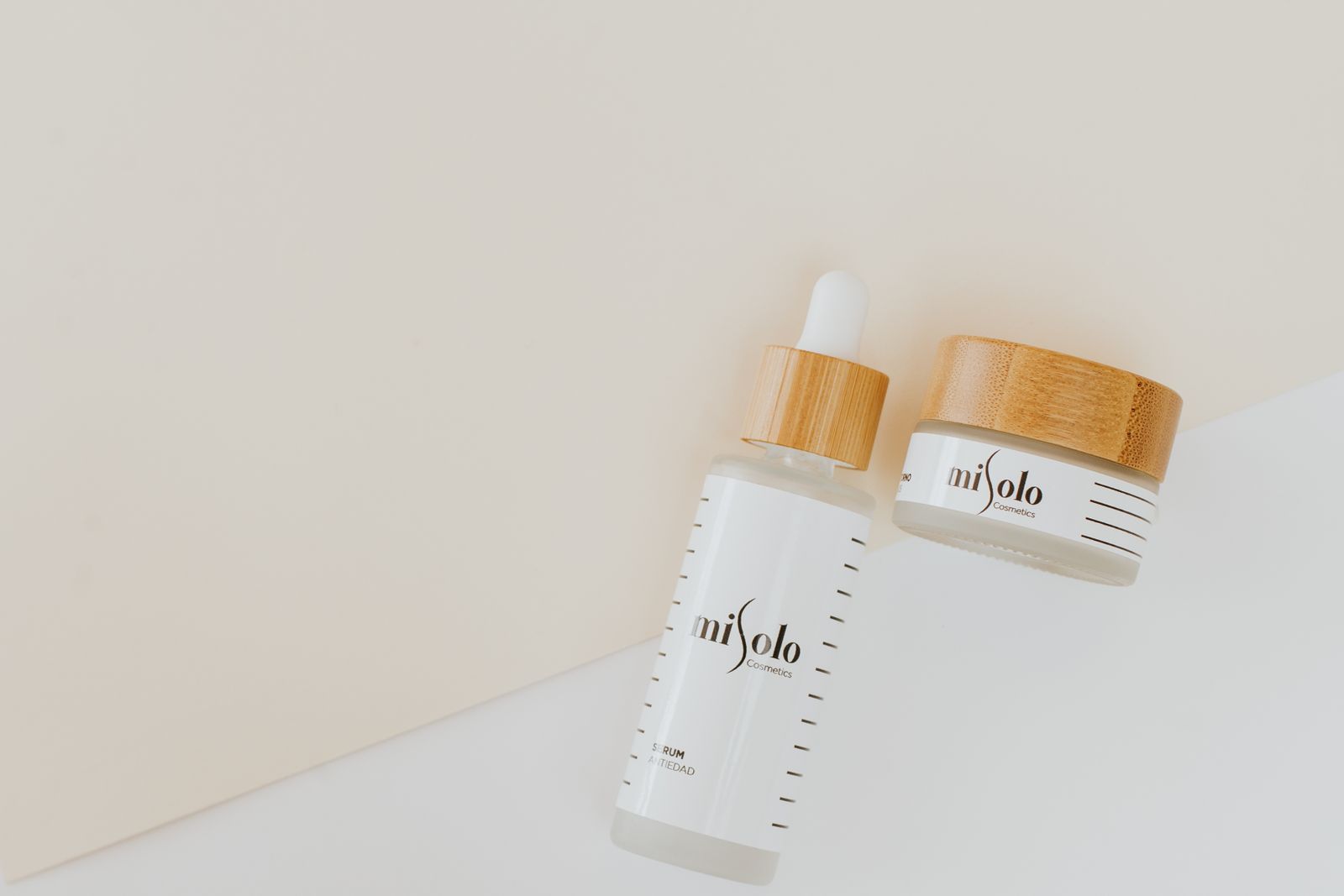
Long text needs more caution. The official model card still notes limits with small type and long passages. If the information must be exact character by character, such as a price, an ingredient list, an address, or event terms, finishing the type in a layout tool is usually easier to proof. You can first generate a visual background that is ready to hold text, then place the final copy in design software. That division of work does not weaken the role of the AI. It makes the finished piece easier to accept.
The relationship between the picture and the type should not wait until the end. If you first generate an image packed with elements and then look for a place to squeeze in a title, you often have to sacrifice the subject or crop again. Leaving space during creation, and letting the background stay quieter in the type area, usually reduces later fixes. When you need different aspect ratios, consider the position of the type and the subject for each one, instead of expecting automatic cropping to solve every version.
Editing leaves room to adjust the layout
Nano Banana 2.1 can keep editing an existing picture through natural language. If the type area is too crowded, you can ask to remove some decoration or move the subject. If the background contrast is too strong, you can ask for a change to local brightness or texture. After each edit, check the type and the subject that were already correct. Do not watch only the area you just changed and miss other shifts.
Output size should also serve the use. 1K, 2K, and 4K give different amounts of working room, but when the type is tiny and the information is dense, raising the resolution alone may not fix the structure. Get the layout relationship right first, then check whether the type is complete, whether the symbols are correct, and whether it stays readable when reduced. A print job still needs its own check of size, bleed, and the relevant production spec.
A practical first task is to make one themed image in Nano Banana 2.1 that carries only a short title. Confirm the visual direction and the white space first, then decide whether the type can be used as it is. If the type has to be added later, keep working with the generated image as a background. That lets you see where the model helps the layout, and it keeps clear which accuracy requirements are still yours.

For someone making posters, the most useful part of this improvement is that the AI is no longer only offering a background that has nothing to do with the type. It can join the organization of picture and information earlier. The last step still needs a careful proofread, but between the idea and a piece that can be laid out, there is more room worth exploring.
Bring existing material into a new piece of work. Open the creation workspace


Comments
Post a Comment