A Reusable Running-Video Opening: Planning a Quiet Doorway Shot with Seedance 2.5
RUNNING DIARY / THE MOMENT BEFORE THE RUN
A Reusable Running-Video Opening: Planning a Quiet Doorway Shot with Seedance 2.5
Keep real exercise in real footage; the opening and ending can be quieter and more personal.
Running videos often preserve the screenshot after the run: route, distance, and time, all explained clearly in one image. But what I want to remember sometimes lies outside those numbers.
It is the shoes waiting by the door, the keys forgotten beside my backpack, and the half-awake quiet just after leaving the hallway. Back home, a jacket hangs over a chair, a cup returns to the table, and my breathing settles. Numbers remember how far I ran; these small objects feel more like my day.
So, in planning materials for my channel, I want to give Seedance 2.5 a small role: filling in the atmosphere before leaving and after returning, with a simple opening and ending I can reuse. I will still film the actual running on my phone. The purpose is to make the first and last few seconds more complete, without dressing an ordinary outing up as a blockbuster.
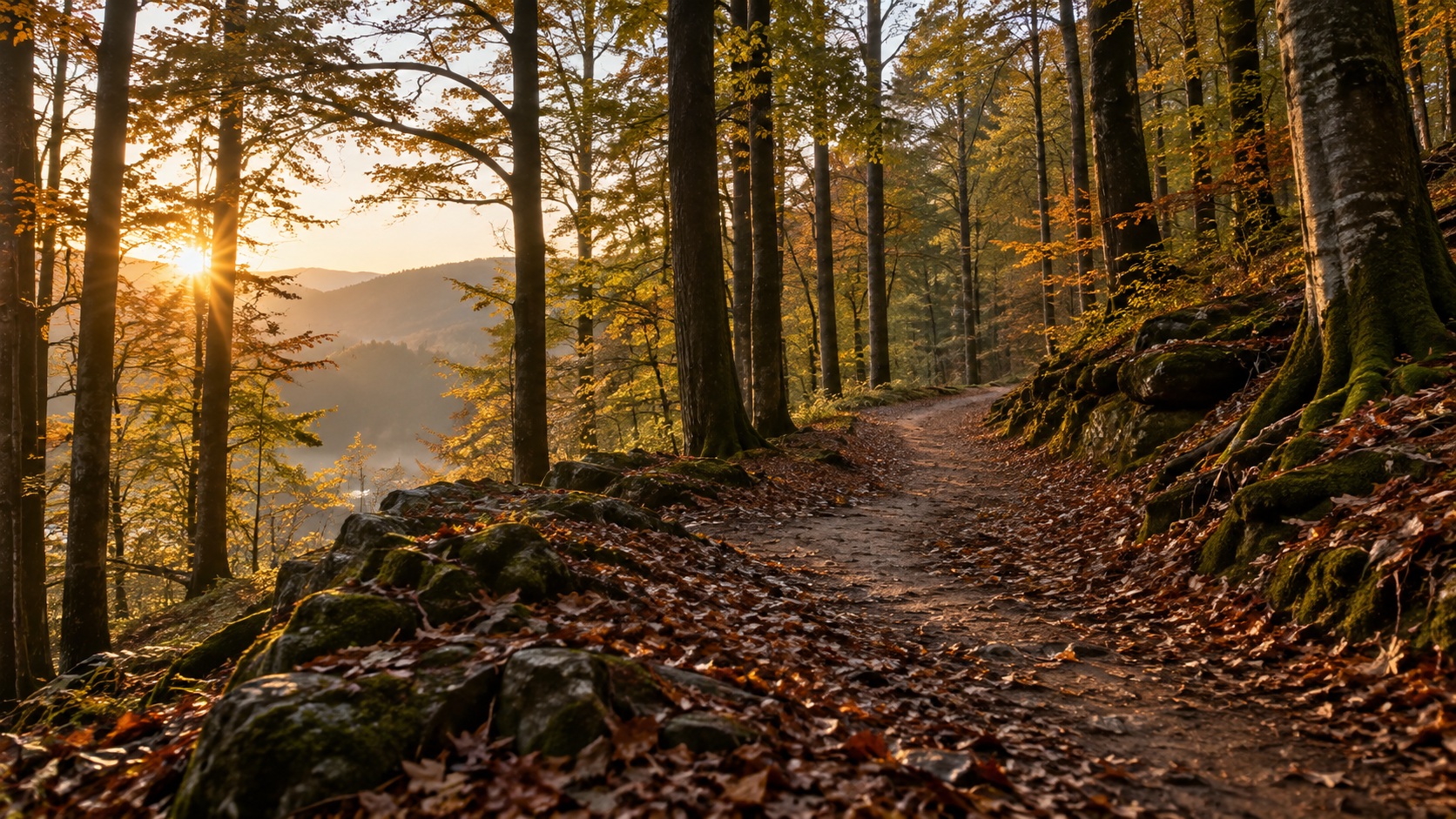
Put my real footage on the timeline first
I like to put what I actually filmed on the timeline first. A little camera shake is fine: stepping in a puddle, pausing to cross the road, or catching my breath beside a bench each has its own rhythm. If I did not capture something, I will not ask a model to supply footage presented as something I personally just experienced.
Pace, distance, and route especially must remain faithful to the original record. AI is more suitable for expressing an intention such as preparing to leave in the early morning or arriving home in the evening. Decorative shots should not compromise the credibility of a personal record.
The images here are newly made original AI scene illustrations; the videos are references for observing photographed movement and rhythm. They do not represent a completed generation test or my own running record. Setting out a visual direction first makes it easier to see which ideas are worth trying.
When choosing reference videos, I watch the beginning and end rather than how impressive the running looks: when a hand leaves the door handle, how long an empty frame remains after someone leaves, and where footsteps gradually fade. Those unshowy seconds can be particularly useful in editing.
Ten seconds at the door do not need ten events
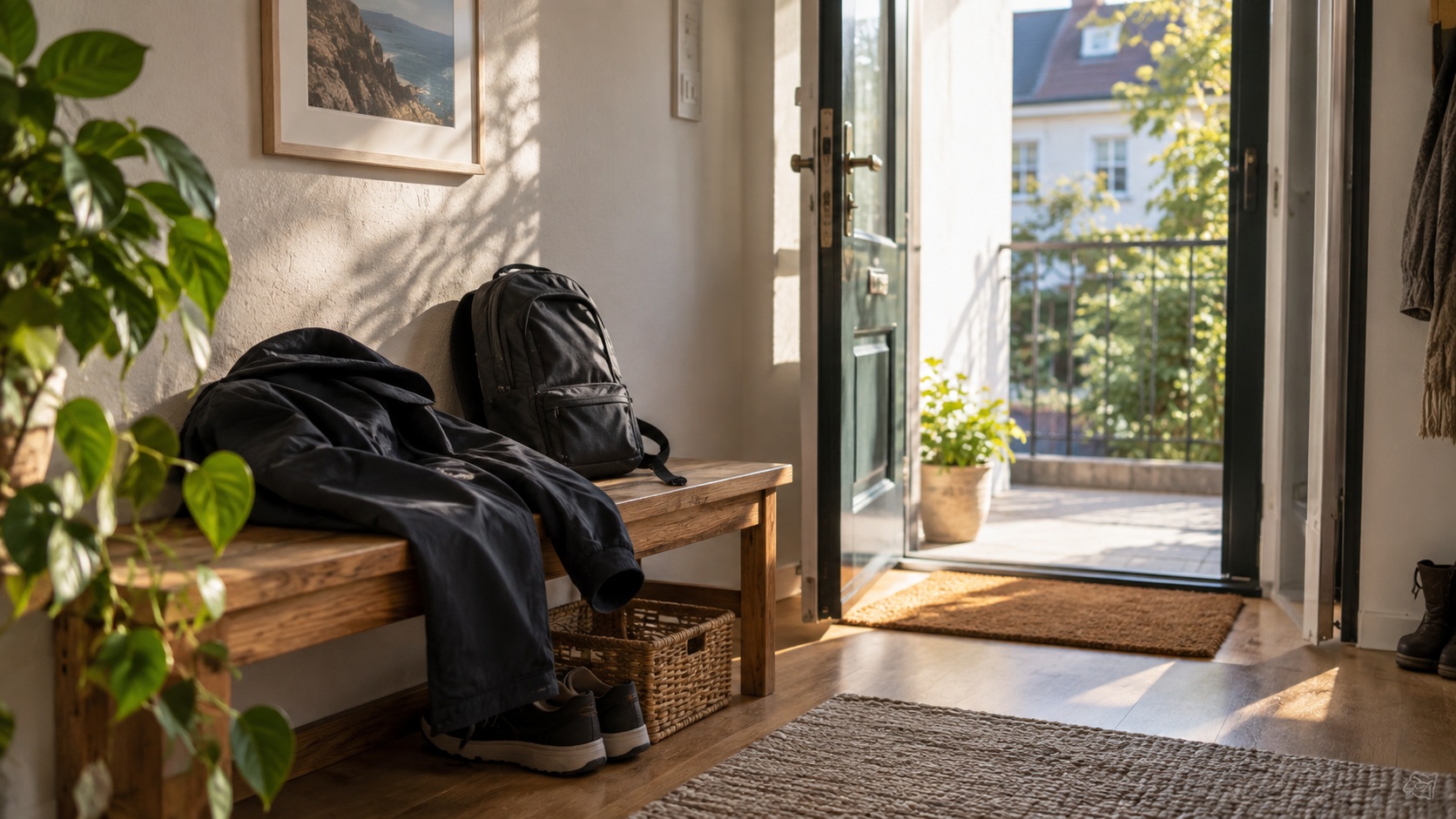
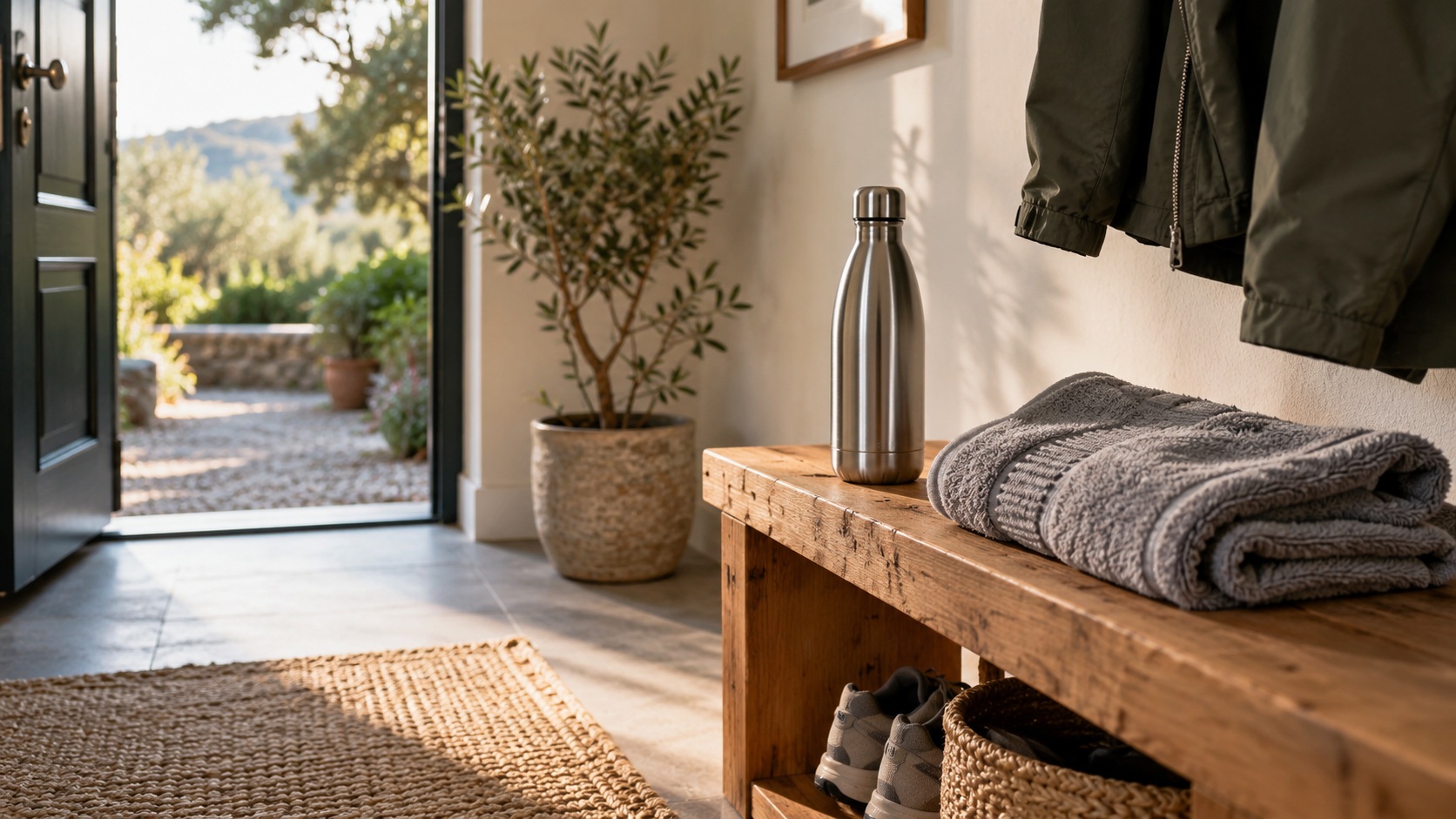
For the pre-run footage, I plan just one action. My shoes wait by the door, a jacket hangs on the wall hook, the door slowly opens, and soft light from an overcast morning enters. The shot does not need the whole sequence of tying laces, putting on the jacket, taking the keys, lifting the backpack, and turning around.
Keeping the description restrained leaves the footage room to work. An opening must serve many episodes, and very specific performances are harder to reuse. An open door with no person visible can lead into a sunny run or a cloudy walk; the real footage that follows can explain what actually happened that day.
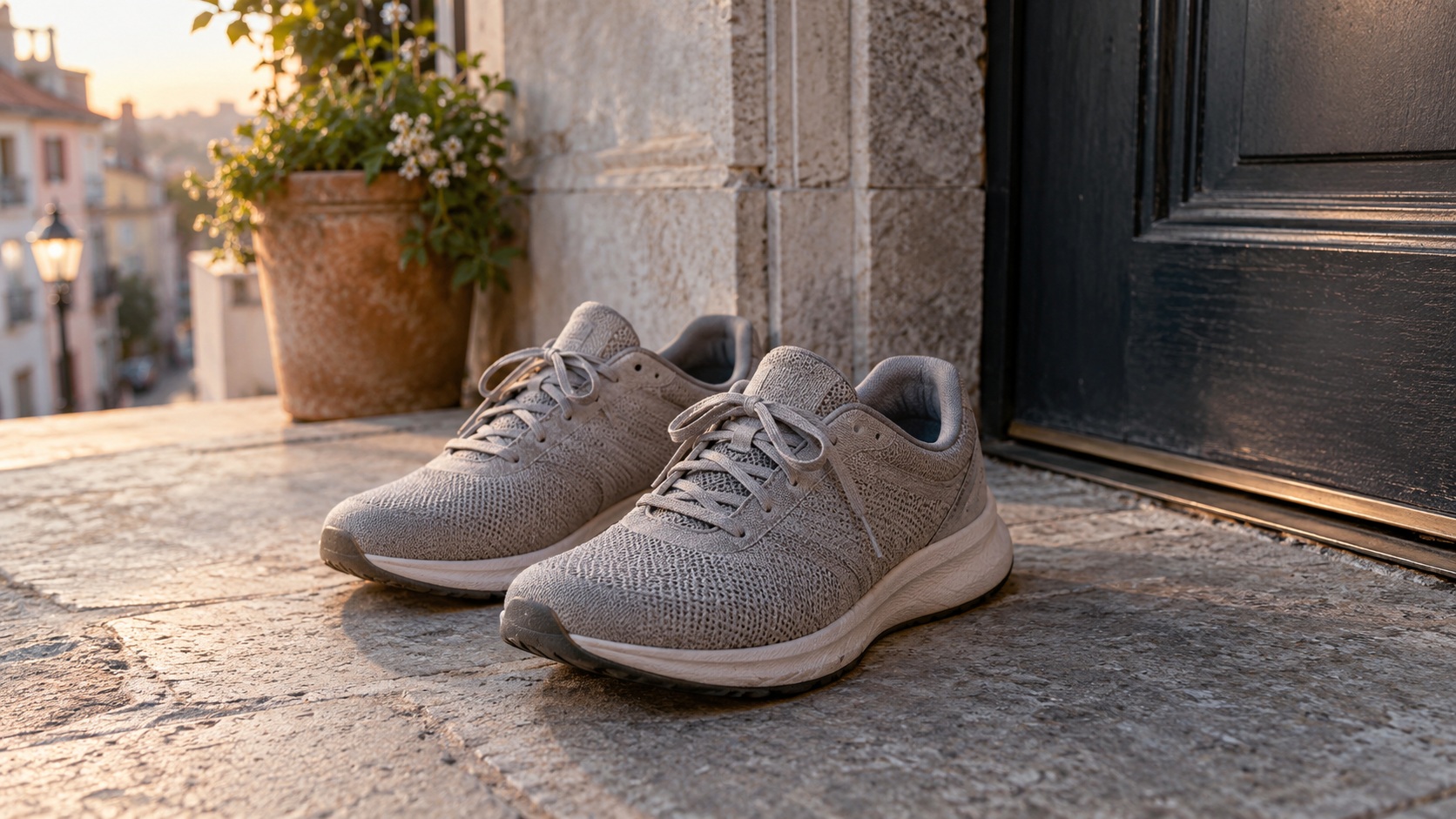
One thing that interests me about Seedance 2.5 is preparing the first frame separately from the action description. Establishing space and color before describing movement is clearer than explaining every object in one long paragraph. I do not need to set up a local generation environment for one doorway shot. Starting from the Seedance browser trial lets me first judge whether this direction suits my channel.
A free trial is an opportunity to explore. The allowance, modes, and task quotation depend on the account and selected configuration. I will check consumption before submitting; free trial availability does not mean unlimited generation at every specification.
I watch three practical details in the first frame: objects near the door should not crowd together, highlights should retain detail, and the area reserved for a title should stay clean. Getting these right first avoids checking movement while also worrying about where to put text.
This is all I would write for the doorway shot
Use the first frame as the visual reference, preserving the door, running shoes, and backpack in position and appearance.
Fixed camera; the door slowly opens a short distance and soft light from an overcast morning enters.
Keep objects stable. Add no person and do not move the shoes.
Let the light change naturally, keeping the upper area clean for a title added in editing.
Keep the scene calm, hold briefly at the end, and do not change scenes.
I will not ask the model to generate the channel name. Adding text in editing gives better control over the font, spacing, and date for each episode. Changing the title then does not require generating the door again.
Let the draft answer one small question
At first I only want to know whether spatial relationships and lighting become confused as the door opens. A short sample can answer that; there is no need to request a complete long take immediately.
The current Seedance draft workspace lists 4–15 seconds, 720P, and native audio, which can help assess the direction of a short action. Other modes have their own duration and output settings, so I will confirm them again when submitting. For planning an opening rhythm, seeing a small sample first has direct value.
I treat the first version like a note: does the door open far enough, does the lighting feel too much like an advertisement, and is there a short stable section at the end? I note the most important usability issue and change only that next time. Changing light, angle, duration, and all the props at once makes it hard to know which change helped.
Photographed references also remind me that a quiet shot does not mean everything is motionless. A leaf moving or the edge of a jacket shifting can already give a scene air. I leave real running movement to the camera; supplementary shots can be much slower.
A park does not have to prove where I ran today
Morning light in a European park, a woodland path, and an empty bench offer a visual direction: soft, open, and minimally decorated. In a personal documentary video, though, I would keep such generated footage in a clearly defined opening or atmosphere section, rather than present it as a place I visited that day.
If I took my own park photograph that day, preparation is simpler. Choose a first frame with a clear subject and natural background relationships, then add a small change: moving tree shadows, distant leaves stirring, and a fixed camera. The purpose is to bring viewers into the morning; an impressive aerial move is unnecessary.
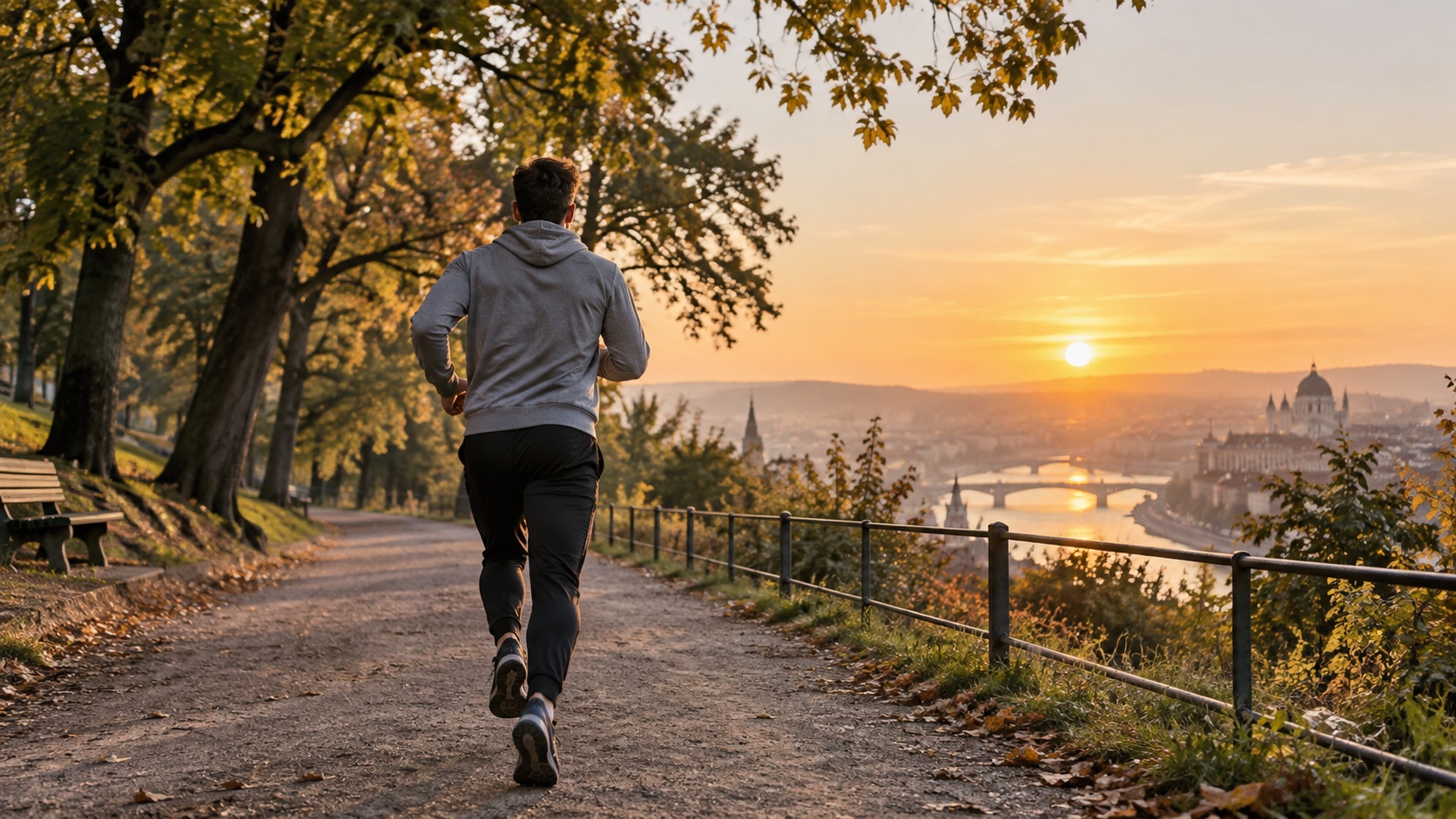
When prompting this kind of shot, I remove unnecessary actions first. A camera push-in, falling leaves, someone running past, and a rising sun in the same description can turn a simple transition into a complicated task. A fixed camera and a light breeze moving leaves is often closer to what I need.
For a small channel, a recognizable visual habit is more useful than a new style every episode. A consistent morning color temperature, a few familiar props, and one title position give the next video something to connect with and help viewers recognize it.
I would rather leave the return shot empty
I want to end with a hanging jacket. The person has left the frame; the fabric sways slightly and gradually settles. It carries no plot, simply giving viewers time to register the ending.
The first frame should be especially simple: a complete jacket outline, a hanger separate from background lines, and no row of small objects whose shapes must stay consistent. A slight sway is enough, without asking for a strong wind. I want the relaxation of arriving home, rather than a clothing advertisement.
If the first part works and the second does not, I will first trim to the stable section in editing. The ending may need only two or three seconds. There is no need to retain flaws just to use the full duration, then spend another allowance regenerating the whole shot. The footage completes its task when it serves the finished video.
I label purpose in the asset folder. For example, doorway_opening_fixed_camera and jacket_ending_gentle_sway are easier to find than a long automatic filename. I keep the prompt alongside them, recording mode, duration, task quotation, and usable seconds so the next adjustment has a basis.
My sample notes contain three lines: what I most want to keep; the main usability problem; and the single action to change next time. Not every shot deserves further generation. Keep the parts that can be edited first.
Leave some everyday noise in the sound
My running sections will retain the actual sounds of the day: shoes landing, clothing rubbing, and breathing after stopping. Sometimes they bring viewers to the scene more effectively than music. A soundtrack does not need to cover everything; quiet sections can stay quiet.
If a generated opening has sound, I listen separately. Does the door sound align with its movement? Is there unwanted speech or overpowering music? If it does not fit, I leave it out. Generating picture and sound together is a convenient starting point, while the final mix must still suit the volume and rhythm of the real clips.
Additional door, fabric, or shoelace sounds are sound design for the opening, not substitutes presented as actual recordings. Keeping real running sound and atmosphere sound on separate tracks leaves more room for mixing.
For the next episode, I want less repetition
The goal is modest: one usable doorway opening, one usable jacket ending, and perhaps one or two quiet environmental shots. The actual running footage will continue to follow that day’s experiences; the opening and ending connect them.
A finished video may need both portrait and landscape versions. I will first check subject placement under different crops rather than regenerate everything immediately. Leaving room while filming and preparing the first frame reduces later constraints. Cropping does remove part of the scene, though; important objects close to the edge may require a composition change.
What I value in Seedance 2.5 is this small-scale ability to plan: begin with an image, describe movement clearly, review the result in the browser, and bring it back into my editing workflow. It offers a way to supplement footage; the story the video needs to tell still determines which seconds I keep.
If you also want your running, walking, or everyday diary to have a little more connection between beginning and end, start with a photograph beside your door and try a small movement in Seedance. Take time to see whether those seconds fit naturally with your real footage before planning a grand story. The ten seconds before leaving that I want to preserve may end up as just three. If those three feel like my own life, that is enough.


Comments
Post a Comment